
Apache Jena Fuseki IDE
& Graph Visualization Tool
Explore, query and visualize your graph data in Apache Jena Fuseki with gdotv.
A Purpose-Built IDE for Apache Jena Fuseki Developers
Apache Jena Fuseki is a SPARQL server that forms a powerful backend for RDF-based data platforms, and it integrates naturally with the gdotv visualization tool.
When paired with gdotv, Fuseki acts as your data layer, serving SPARQL query results that gdotv can render as interactive data visualizations. This combination allows users to explore complex graph structures and ontological relationships, making use of gdotv’s wide range of features, including the no-code graph data explorer, data schema view, syntax highlighting, SPARQL query guardrails, and more.
 Apache Jena Fuseki
Apache Software Foundation
Query languages supported by gdotv: SPARQL
Learn more about Apache Jena Fuseki
An Overview of Apache Jena Fuseki
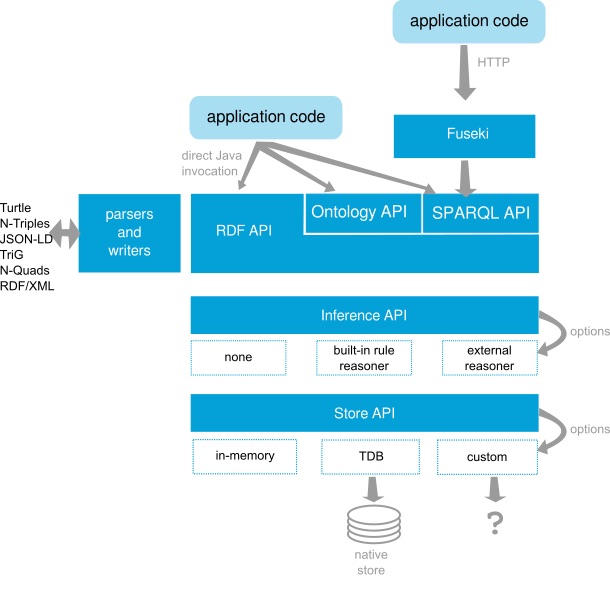
Apache Jena Fuseki is a SPARQL server that provides a robust, standards-compliant interface for storing and querying RDF (Resource Description Framework) data. It is part of the broader Apache Jena framework, an open source Java toolkit for building Semantic Web and Linked Data applications.
Fuseki exposes RDF datasets over HTTP, implementing the SPARQL 1.1 query and update protocols, as well as the SPARQL Graph Store HTTP Protocol. This makes it straightforward to interact with your data using standard SPARQL queries – whether you’re retrieving, inserting, or modifying triples.
What’s Possible with Apache Jena Fuseki + gdotv
Easy Installation & Setup
Effortlessly integrate gdotv with your Apache Jena Fuseki graph database with a simplified plug-and-play database connector. The gdotv database client provides straightforward database connection and configuration instructions to get you started in less than a minute.
This Apache Jena Fuseki IDE is available to download for Windows, macOS, and Linux with a one-click installer to get you started instantly.

Centralized Connection Management

gdotv can be used to query and compare data from a huge range of graph database vendors – simultaneously! We don’t just work with Apache Jena Fuseki: gdotv data visualization tools fully integrate with various other graph technologies, including all Apache TinkerPop™ compatible graph databases and most LPG and RDF providers.
gdotv is fully compatible with query languages like SPARQL, Gremlin, Cypher, Google SQL, SQL:2023, and more. Using an intuitive UI, you can switch between your connections and queries seamlessly.
Customizable Data Visualization
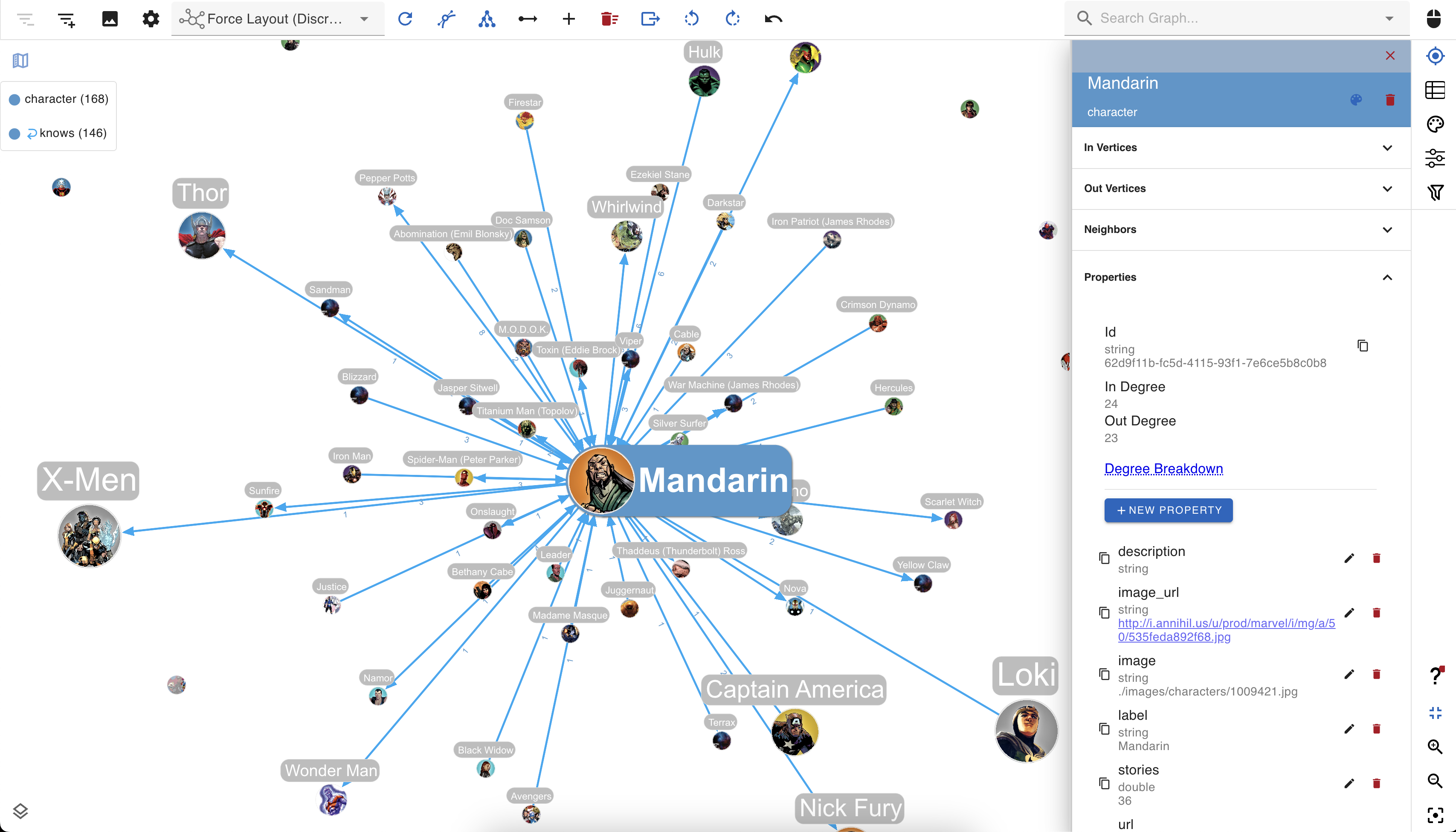
You can create custom visualization rules for your Apache Jena Fuseki graph database with gdotv to determine the look and feel of your data.
Our database client boasts easy-to-configure style options that you can use to customize vertices and edges based on their labels and property values.
You can choose any color, size, or background image and adjust other elements to match your preference.
No-Code Data Exploration with the gdotv Graph Data Explorer

Use the built-in gdotv Graph Data Explorer to navigate your Apache Jena Fuseki data without using queries.
The Graph Data Explorer allows you to define path patterns to query from your data, using filters on both your vertices and edges. Elements in the declared path can be filtering according to their label, direction, and property values, allowing you to perform complex path-pattern searches with no code.
Instantly Load & View Your Data Model
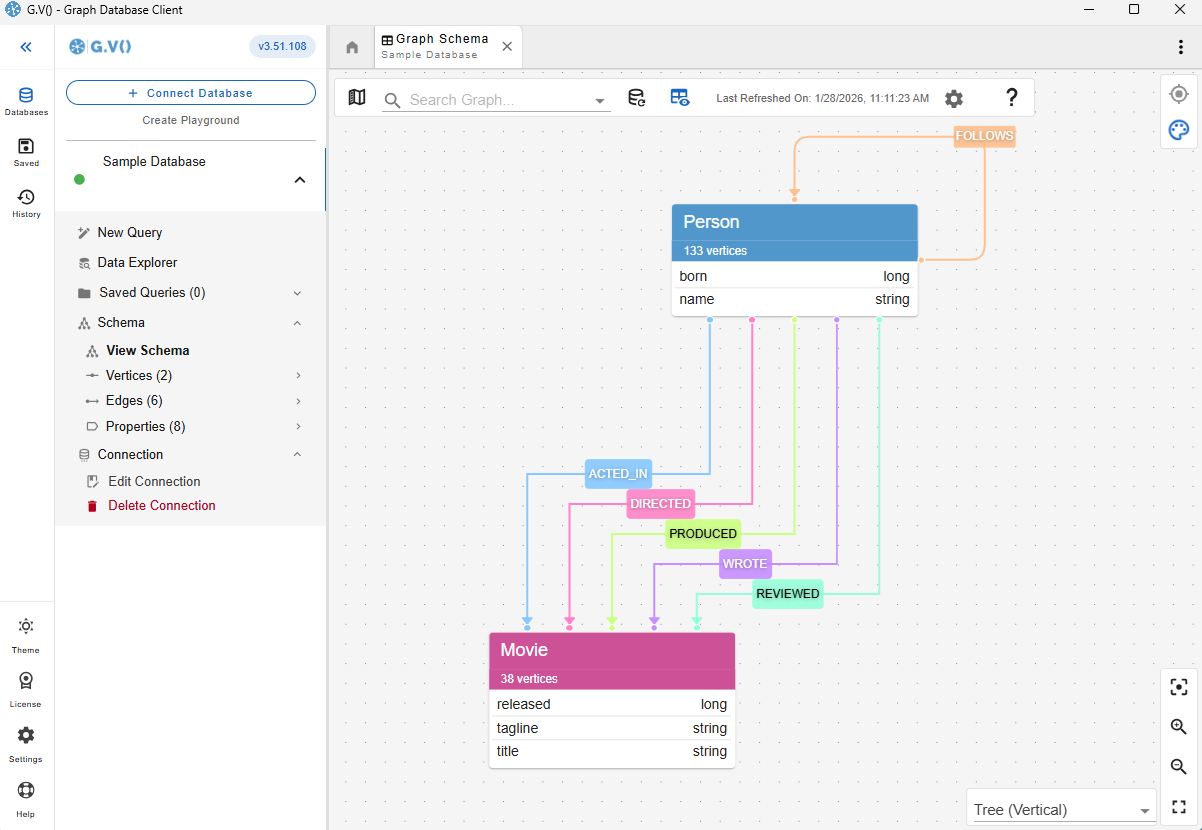
Understanding and verifying your data schema is critical component of graph management. This is why gdotv provides an overview of your data structure with the data model view.
For Apache Jena Fuseki, there is no need to provide a data model, as gdotv is able to infer the schema directly from the data itself. This is always just a click away, meaning that you always have an bird’s-eye view of your vertices, edges, and properties right at your fingertips.

Modify Your Apache Jena Fuseki Graph Data Directly within gdotv
Want to adjust something in your graph? Take a hands-on approach and manage your Apache Jena Fuseki graph directly. Using gdotv, you can directly create, modify, and delete the edges and vertices – as well as modify the properties associated with them – allowing you to make changes on the fly.
Take Advantage of Syntax Validation

Using gdotv language highlighting and syntax checking for SPARQL makes your code easier to understand and visually parse, warning you of any error that would prevent it from executing against your Apache Jena Fuseki instance.
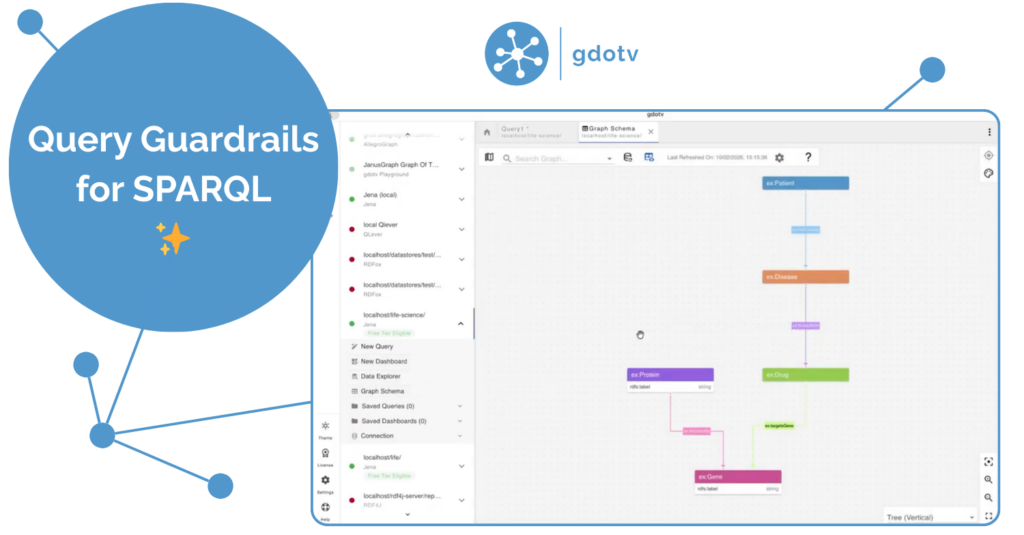
Take Control of your Queries with SPARQL Query Guardrails

Since RDF is fundamentally schema-optional, gdotv won’t enforce any schema against your graph. It will, however, check your queries against the inferred schema, meaning it will automatically generate warnings if it detects potential ontology clashes.
This gives you additional insight into malformed queries, even when they execute normally against your RDF triplestore.
Data Visualization Optimized for RDF

gdotv offers graph visualization specially developed for RDF triplestores
The nodes and edges are detected from your query results, and any literals will be interpreted as properties. To improve readability, gdotv has built-in IRI shortening and prefix handling. You can customize your graph labels further using inferred schema from the graph, such as via RDFS statements.

State-of-the-Art SPARQL Editor
The gdotv SPARQL code editor is the most powerful available – it offers data schema-accurate auto completion and embedded official documentation for SPARQL to give you all the information and suggestions you need to write your Apache Jena Fuseki queries faster and more effectively.
Apache Jena Fuseki + gdotv Blog Posts
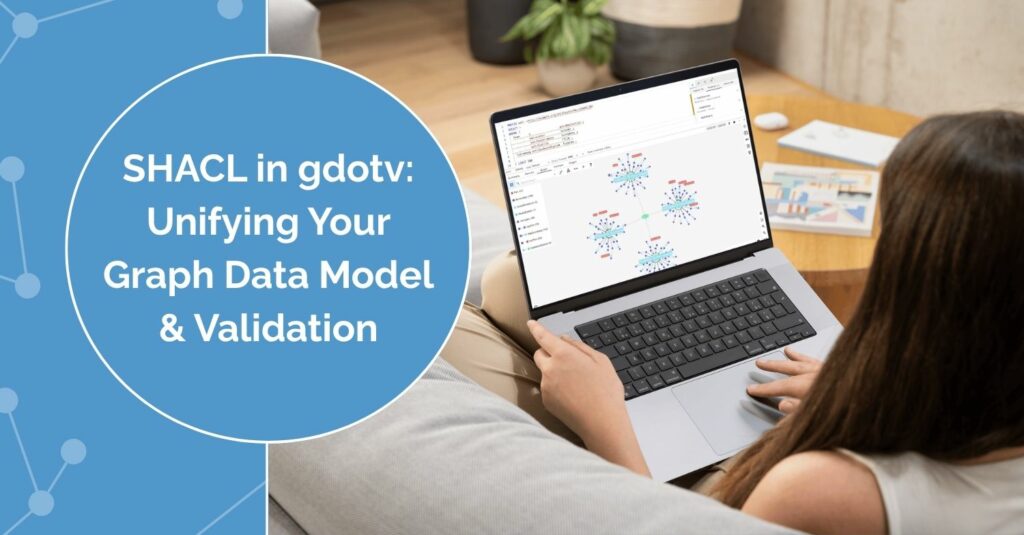
![Announcing Apache AGE Support, RDF Expansion, a Brand-New Interface, Updated Labels & More [v3.48.105 Release Notes]](https://gdotv.com/wp-content/uploads/2025/12/apache-age-graph-extension-support-rdf-expansion-gdotv-release-1024x535.png "Announcing Apache AGE Support, RDF Expansion, a Brand-New Interface, Updated Labels & More [v3.48.105 Release Notes]")
Frequently Asked Questions (FAQs)
gdotv: The Apache Jena Fuseki IDE
Turn your graph data into connected insights when you use gdotv to query, explore, and visualize your Apache Jena Fuseki graph database.
Sign up for a free trial today and discover how gdotv amps up your productivity as the perfect Apache Jena Fuseki IDE and graph visualization tool.
Or, prefer to talk with the gdotv team directly? Use the form below to get in touch.