The ultimate graph database IDE
Graph superpowers on your desktop
gdotv Desktop is the ultimate personal graph data workbench for developers, data scientists and knowledge graph engineers.
30+ LPG and RDF databases on a single license. Runs on Windows, macOS and Linux.
Free for three weeks. No account needed to start. View other installers
Why gdotv Desktop?
Four reasons developers choose gdotv Desktop
Comprehensive Tooling
Replaces the pile of per-database clients, notebooks and homegrown viewers with a single tool designed for data curation, visualization, and modeling. Connect to an unrestricted amount of graph databases in parallel.
Universal Graph Compatibility
Compatible with 30+ databases and 7+ query languages. Features are curated to your graph database, with specialized tools such as SPARQL guardrails and Gremlin Query Debugging.
Easy to Learn
When you download gdotv Desktop, you'll be able to connect instantly. No complex configuration is needed upfront, and the intuitive UI lets you figure out functionality as you go.
Secure Local Development
The Desktop edition runs locally and connects straight to your database. Credentials, queries and results stay entirely on your machine, nothing leaves your environment.
Getting started
Your first two minutes using gdotv Desktop
Connect
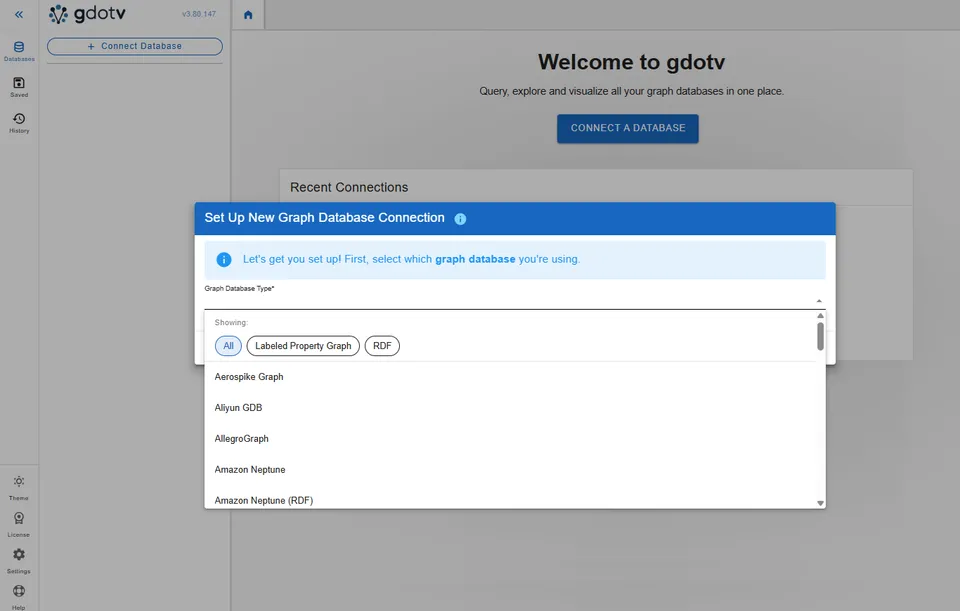
Point gdotv at any of 30+ graph databases that are running on your laptop, in your own cloud, or managed. Connections are saved locally and sit side by side, so you can move between dev and prod without re-entering anything. Access all containers (graphs, datasets, repositories) in one connection.
Query and debug
gdotv reads your schema through the database’s own APIs, so autocomplete and validation know your labels and properties from the first keystroke. When a traversal does something you did not ask for, step through it and watch where it goes wrong.
Visualize and explore
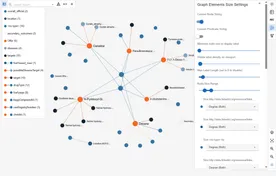
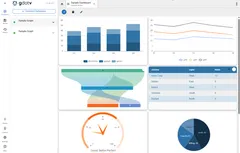
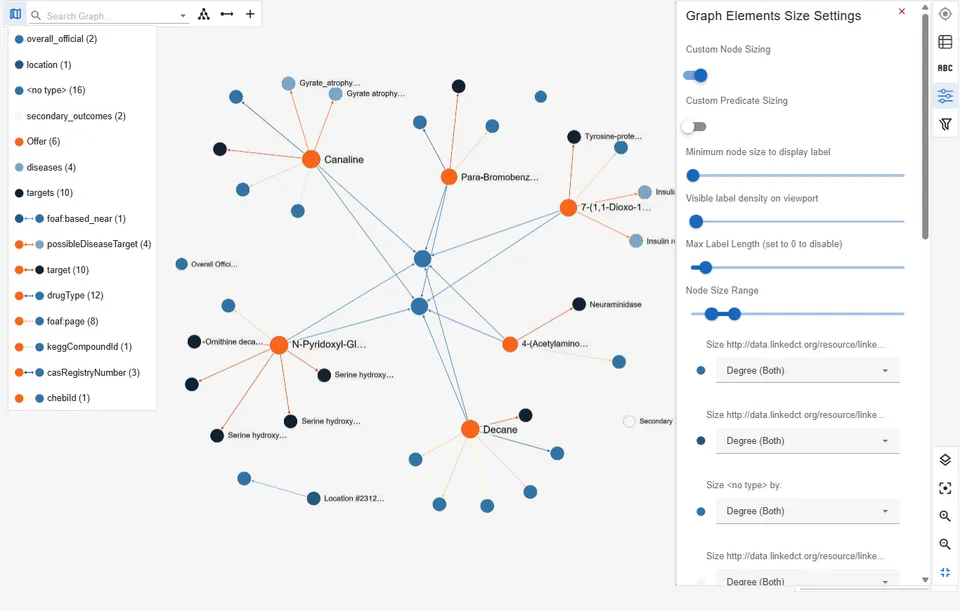
Results come back as an interactive graph: expand a node’s neighbors, filter by label or property, choose a layout, style each label with colors, icons and captions, and put geospatial data on a map. Table, JSON and schema views are a click away when they read better, and the no-code explorer builds the same paths by clicking for anyone who would rather not write the query.
Inside gdotv Desktop
Features overview
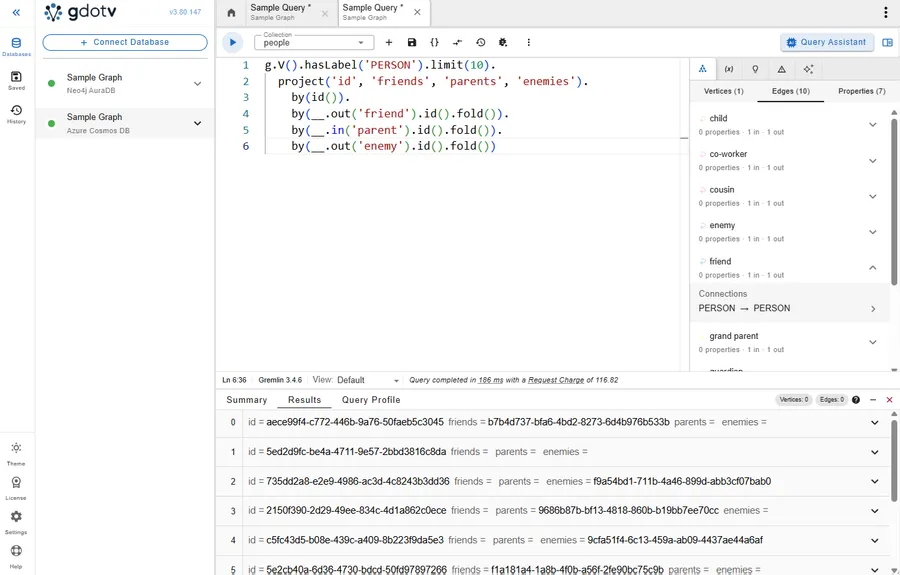
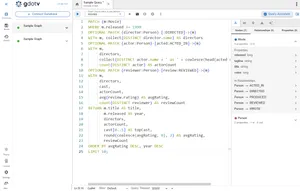
A code editor that speaks your graph query language
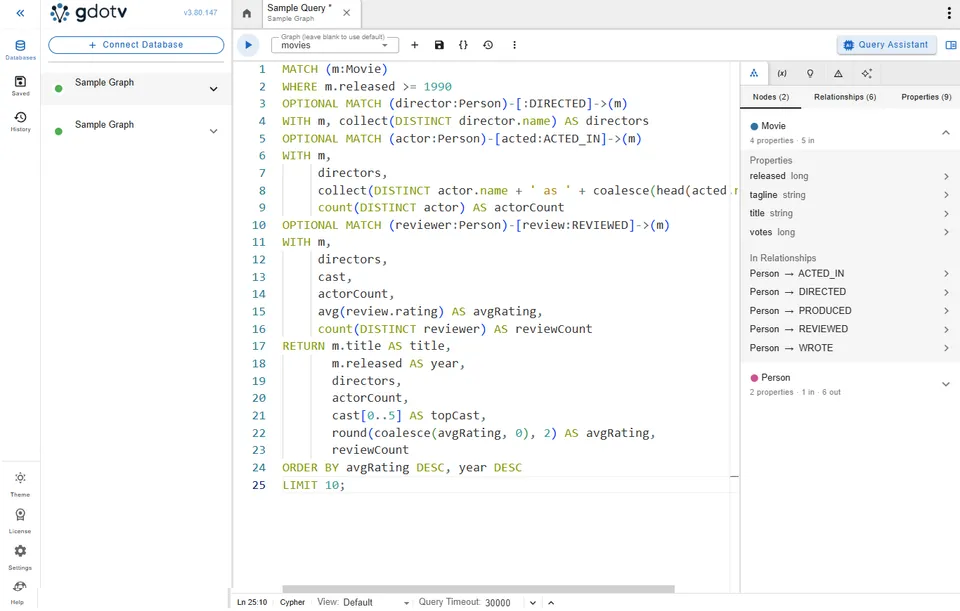
Write Gremlin, Cypher, SPARQL, GQL, GoogleSQL, SQL/PGQ or DQL in one editor. Autocomplete comes from your live schema rather than a generic keyword list, and validation flags both syntax and semantic errors in your query.
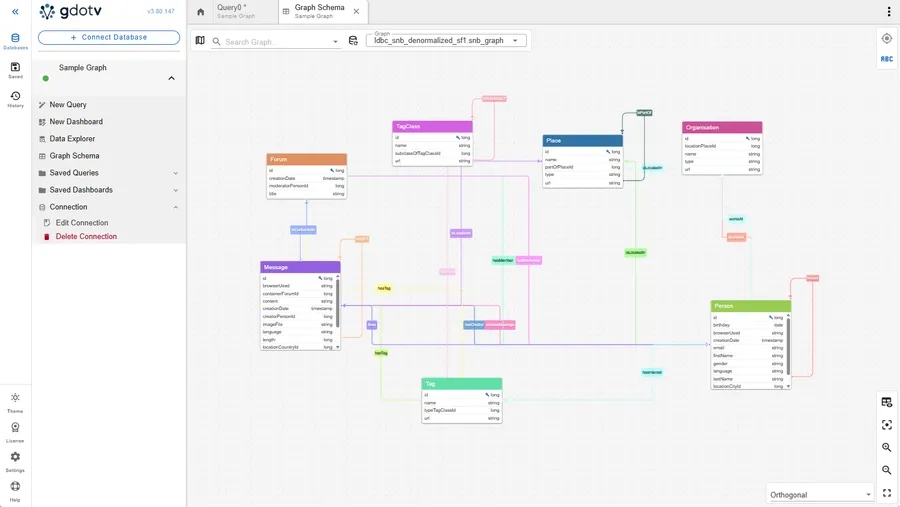
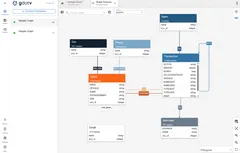
The clearest view of your graph data schema
gdotv discovers your data model from the database itself, either via APIs or via proactive data discovery queries. No more tracking manually - access an always up to date view of the structure of your data.
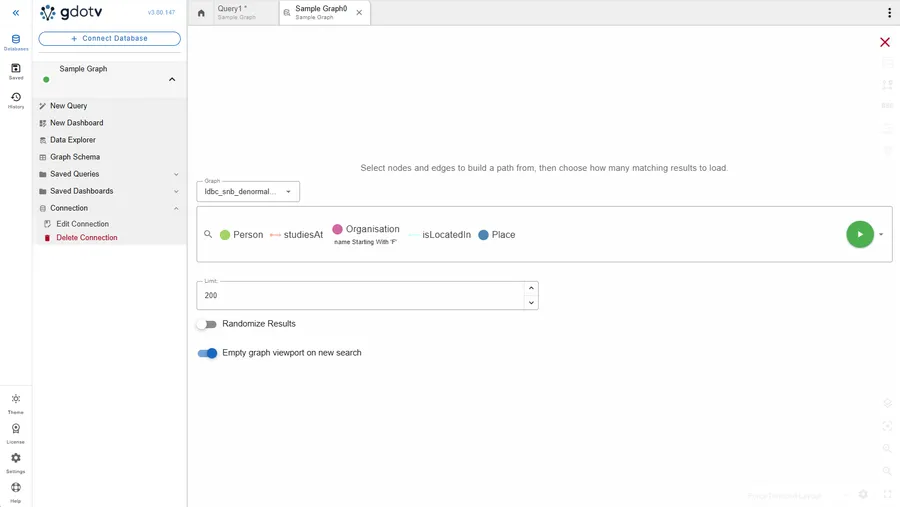
Interactive, no-code graph exploration and editing
Create and run complex path finding requests against your graph database in just a few clicks with our no-code query builder. Create, update and delete graph elements on the fly with schema accuracy controls.
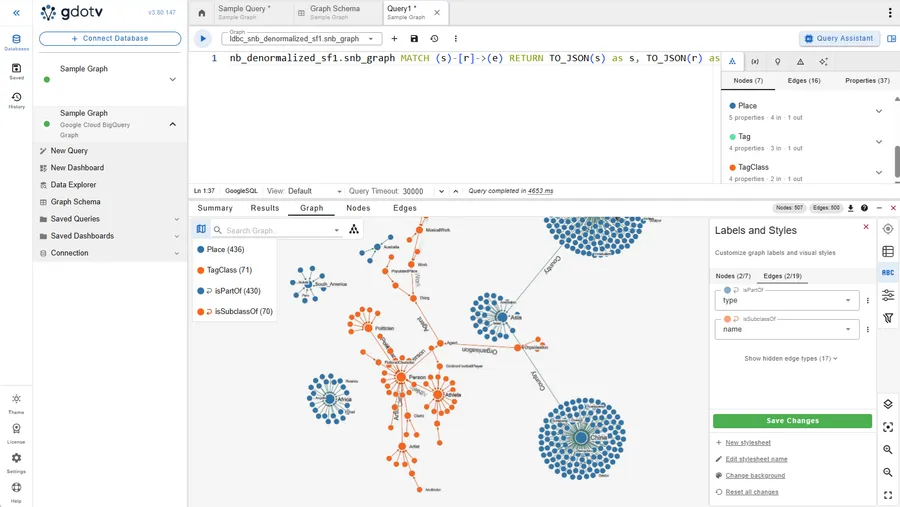
The ultimate graph query development toolkit
gdotv offers comprehensive tools, leveraging your graph databases' own capabilities, to write graph queries that are both accurate and optimized. It also offers specialized features such as Gremlin query debugging and SPARQL query guardrails to give you unmatched controls over the accuracy and behavior of your queries.
Graph database coverage
30+ graph databases under a single client
Property graph or RDF, self-hosted or managed. gdotv Desktop gives your favorite graph database(s) a first-class developer experience.
 Amazon Neptune
 Google Cloud Spanner Graph
 Azure Cosmos DB
 Neo4j AuraDB
 Amazon Neptune Analytics
 Google Cloud BigQuery Graph
- Amazon Neptune (RDF)
 GraphDB
 Stardog
 PuppyGraph
 FalkorDB
 Neo4j
Neo4j Apache Jena
 LadybugDB
 Apache AGE
 JanusGraph
 Apache HugeGraph
 pgGraph
 Memgraph
 RDF4J
RDF4J Aerospike Graph
 ArcadeDB
 Dgraph
 Tentris
 RDFox
RDFox QLever
 Gremlin Server
 Oracle
 Virtuoso
 AllegroGraph
 Kuzu
Kuzu Blazegraph
 Aliyun GDB
Try gdotv Desktop
Get started in less than 5 minutes. Three weeks free, no account needed to start.
Download for free