Practical Advice for Ontology Engineering on RDF & Property Graphs
Learn how to engineer a graph ontology that keeps its meaning across RDF and property graph systems, with practical modelling best practices and tooling.

Learn how to engineer a graph ontology that keeps its meaning across RDF and property graph systems, with practical modelling best practices and tooling.
Explore how SigmaJS became the default engine for web graph visualization, the WebGL rendering tradeoff it solves, and why gdotv sponsors its development.
Explore pgGraph support in gdotv: connect to your PostgreSQL tables, write GQL graph queries, and visualize traversals and shortest paths with no migration.
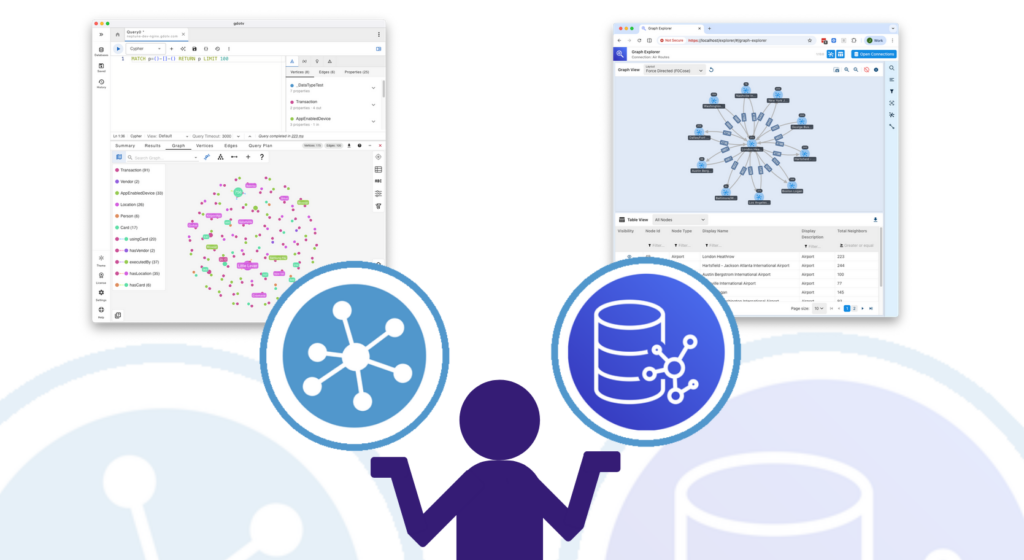
How does gdotv compare against AWS graph-explorer? Follow along with this deep-dive as we explore the various features of each framework.
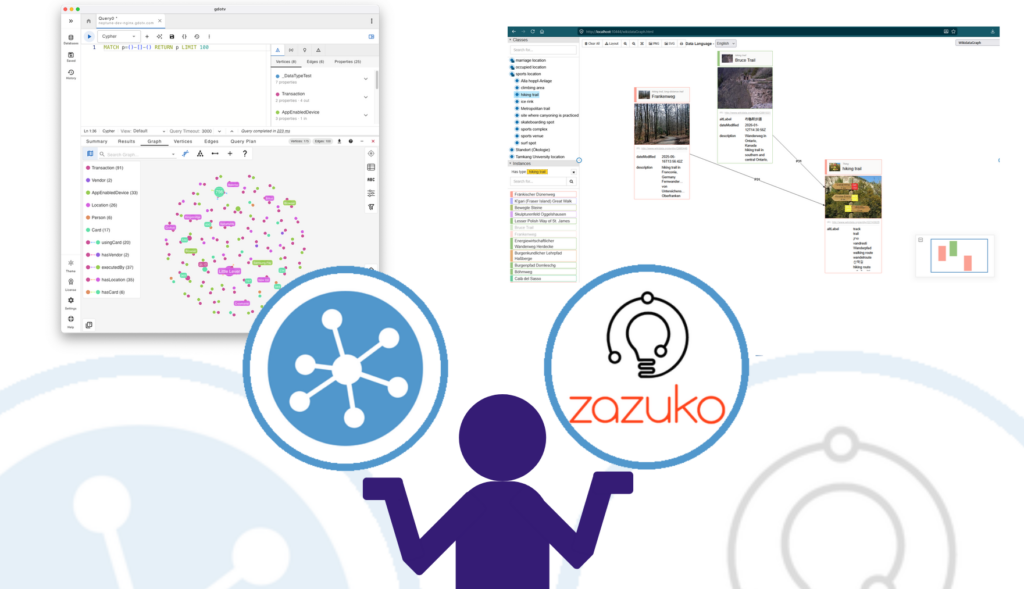
How does gdotv compare against Zazuko Graph Explorer? Follow along with this deep-dive as we explore the various features of each framework.
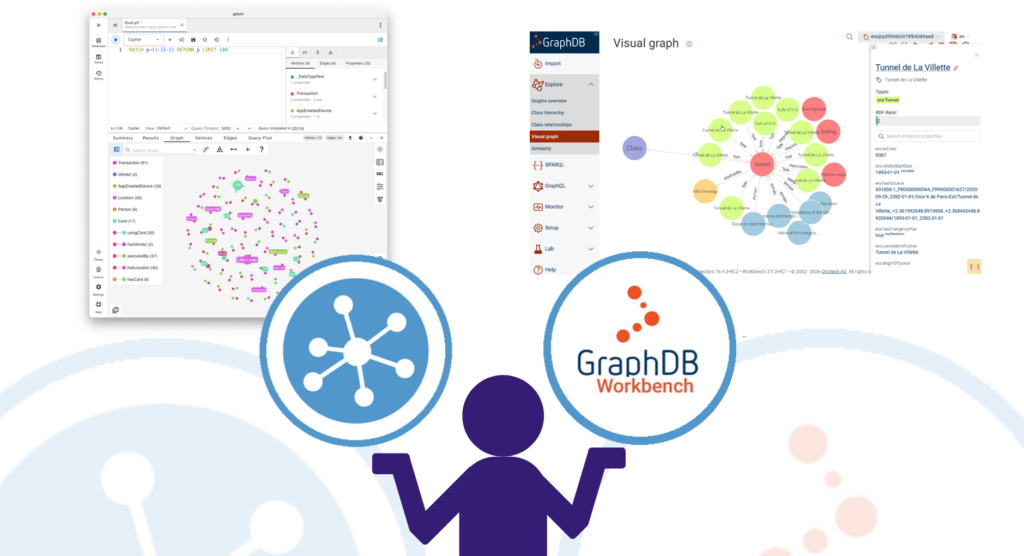
How does gdotv compare against GraphDB Workbench? Follow along with this deep-dive as we explore the various features of each framework.
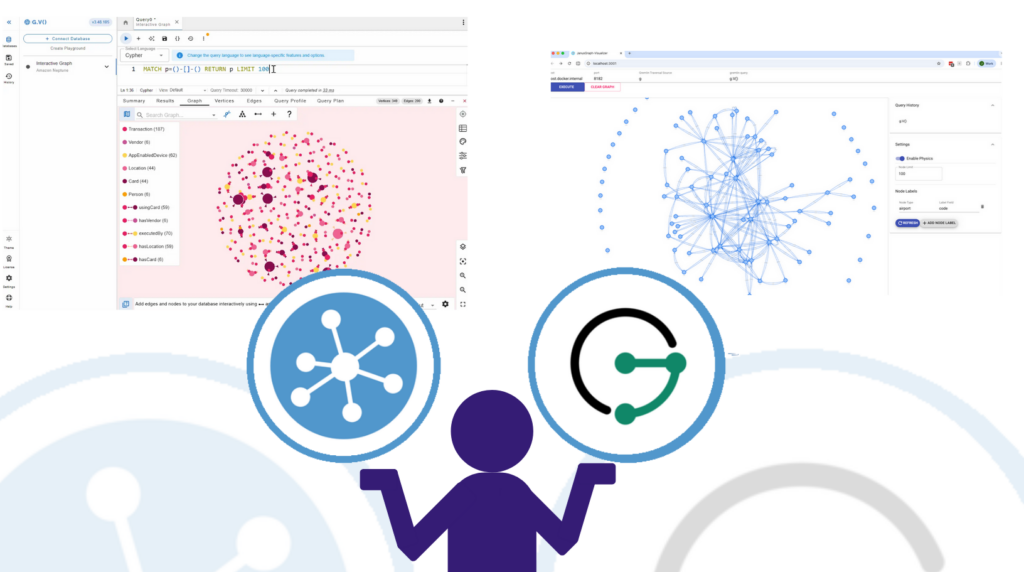
How does gdotv compare against JanusGraph Visualizer? Follow along with this deep-dive as we explore the various features of each framework.
Read our critical analysis of TEG-DB: seven empirical findings on edge text quality, semantic entropy, and evaluation design gaps in text-enriched graph benchmarks.
Explore four queries in gdotv against TEG-DB show what edge text enables: sentiment polarity, citation chains, and contradictions invisible to graph topology.
Load TEG-DB CSV files into Amazon Neptune via the bulk loader API, connect gdotv with IAM auth, and verify the loaded graph with Gremlin.